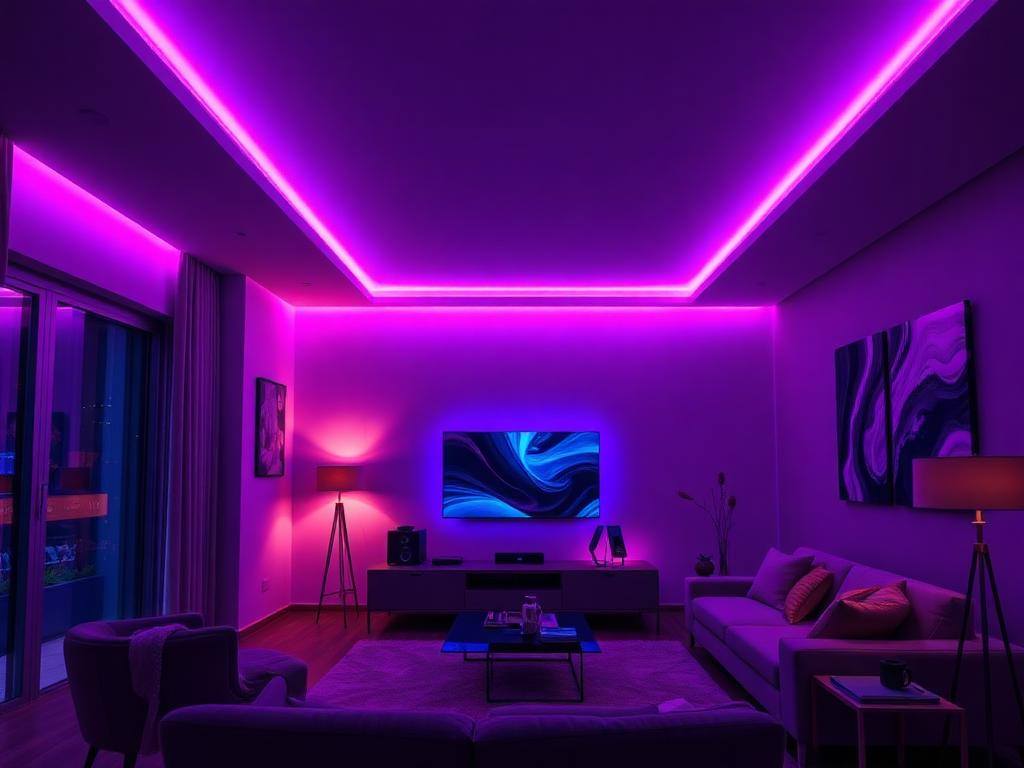
Home Ambiance
Set the perfect mood for movie nights, dinners, or quiet evenings.
Control your RGB LED strip lights instantly using your Android phone’s built-in IR blaster. No Wi-Fi. No Bluetooth. No extra hardware. Just point, tap, and glow.
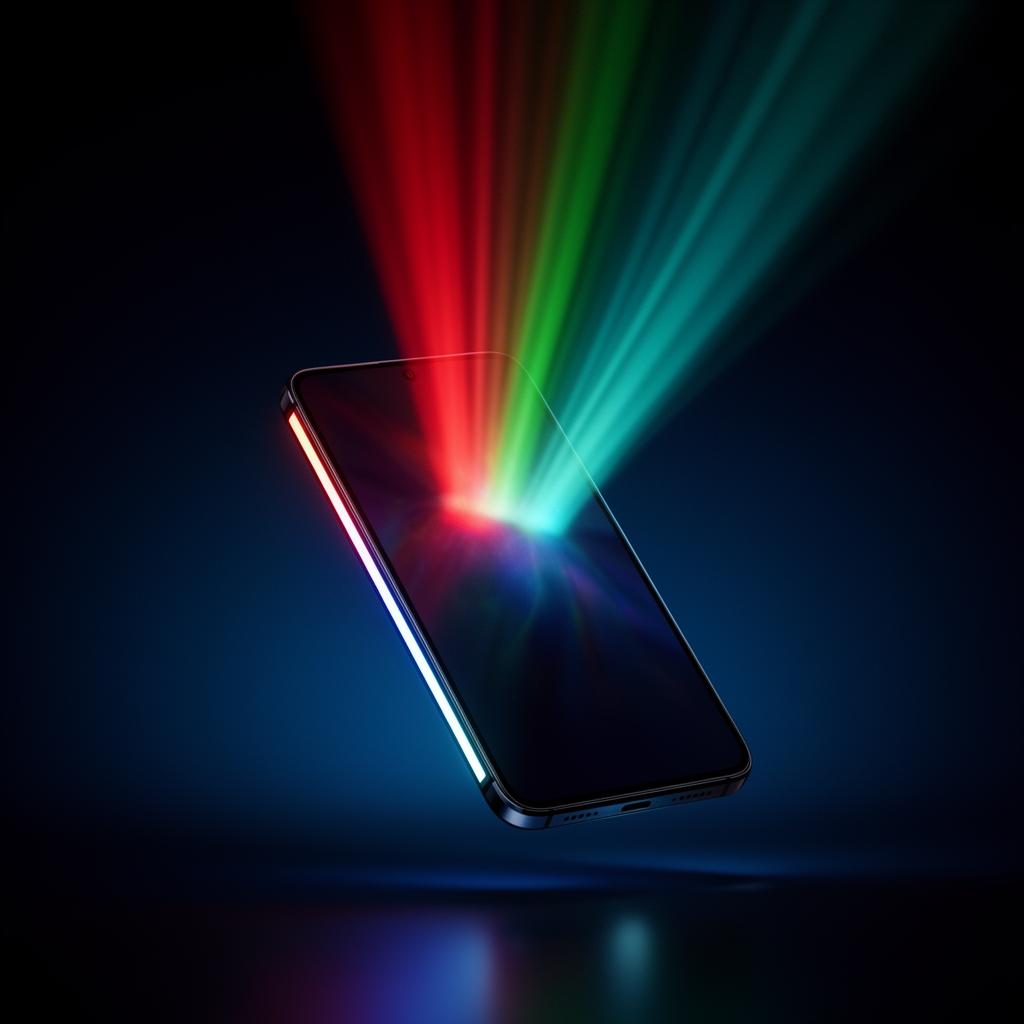
Crafted for speed, simplicity, and full creative control over your RGB LED strips.
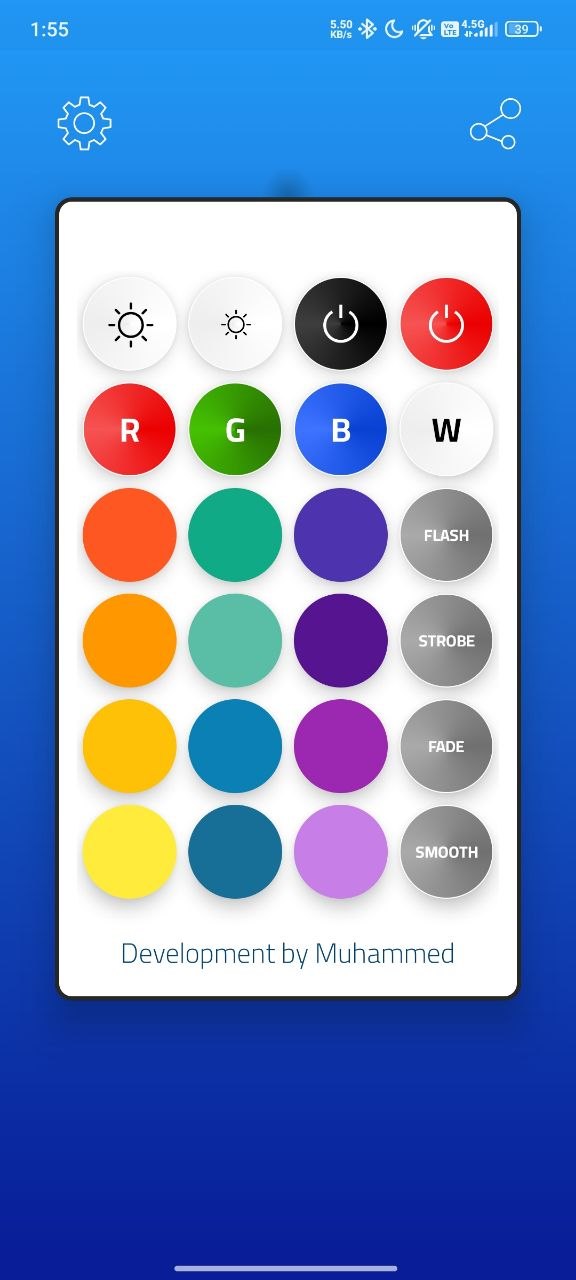
One-tap power control with zero lag. Lights respond the moment you press.
Smoothly dim or brighten your strip with precise + / − adjustments.
Jump straight to Red, Green, Blue, or White with dedicated shortcut buttons.
Unlock dozens of shades and warm tones to dial in the perfect mood.
Flash, Strobe, Fade, and Smooth — bring rooms to life with motion.
Optional haptic and audio feedback for satisfying, tactile control.
Under 10MB with a clean UI built for speed. No bloat, no waiting.
Built-in scanner detects your phone’s IR hardware in one tap.
Launch RGB Remote Control on your IR-enabled Android phone.
Aim your phone’s IR blaster toward your LED strip controller.
Pick a color, mode, or brightness — your room transforms instantly.
Your phone needs a built-in infrared sensor to communicate with LED strip controllers. Most Xiaomi, Redmi, Poco, Honor, and select Samsung & Huawei devices include one.
From cozy nights in to late-night gaming and full-on parties — RGB Remote adapts to every moment.
Set the perfect mood for movie nights, dinners, or quiet evenings.
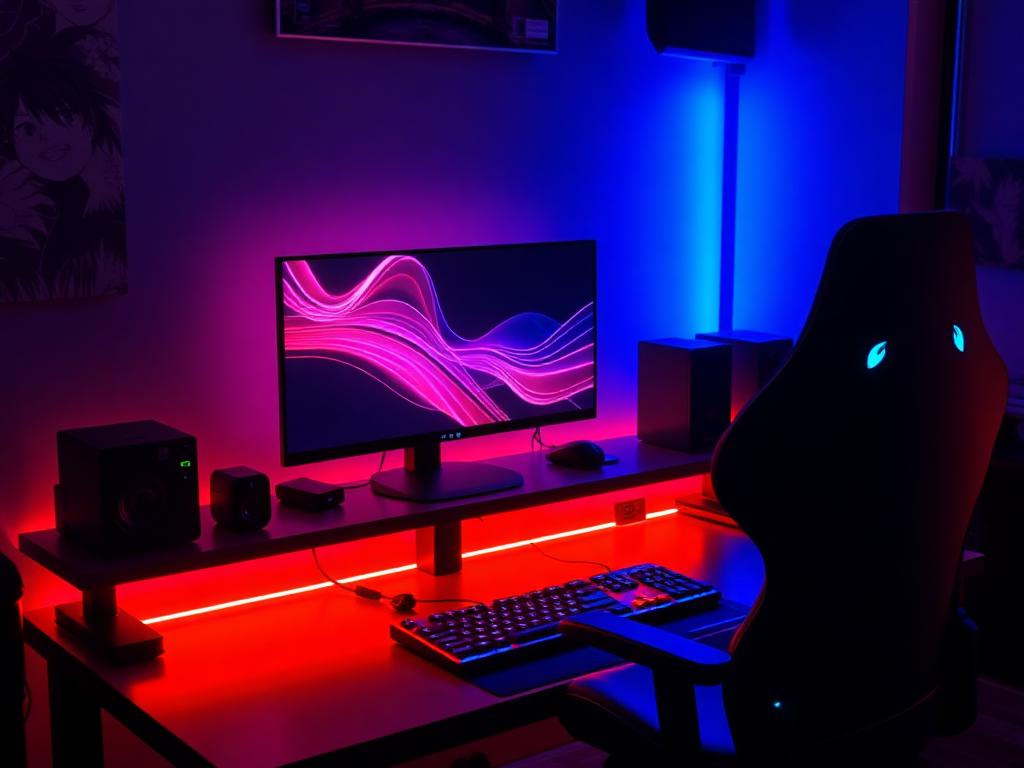
Sync vibrant reds and blues to match your battlestation aesthetic.

Strobe, flash, and fade modes turn any room into a dance floor.
Every screen is designed for one-tap control with bold colors and zero clutter.
RGB Remote Control requires an Android phone with a built-in IR blaster. The app automatically detects compatibility on first launch and tells you if your device is supported.
No. The app communicates directly with your LED strip controller using infrared. It works completely offline — no accounts, no pairing, no network required.
Yes. The free version is fully functional and supported by minimal ads. A one-time in-app purchase removes all ads forever and unlocks premium color presets.
Not at all. Install, open the app, point your phone at your LED controller, and tap a button. There is no setup, pairing, or configuration.
Most standard 24-key and 44-key infrared RGB controllers are supported out of the box. We continuously add support for new models in every update.
Join over 500,000 people controlling their RGB lights from the device already in their pocket. Free to download. No sign-up required.